Retrospective project assigment
The TimePunch online module supports retrospective project assigment. This means that employees do not have to change projects immediately when they start a new task.
Instead, working hours are always initially booked to a specified project – by default, the project distributor. All times booked to this project can be flexibly distributed to individual projects at the end of the working day or even days later. This distribution is carried out via retrospective project assigment.
Differences from start/stop recording
Retrospective project assigment differs from classic start/stop recording in the following points.
Project assigment dialogue after completion of recording
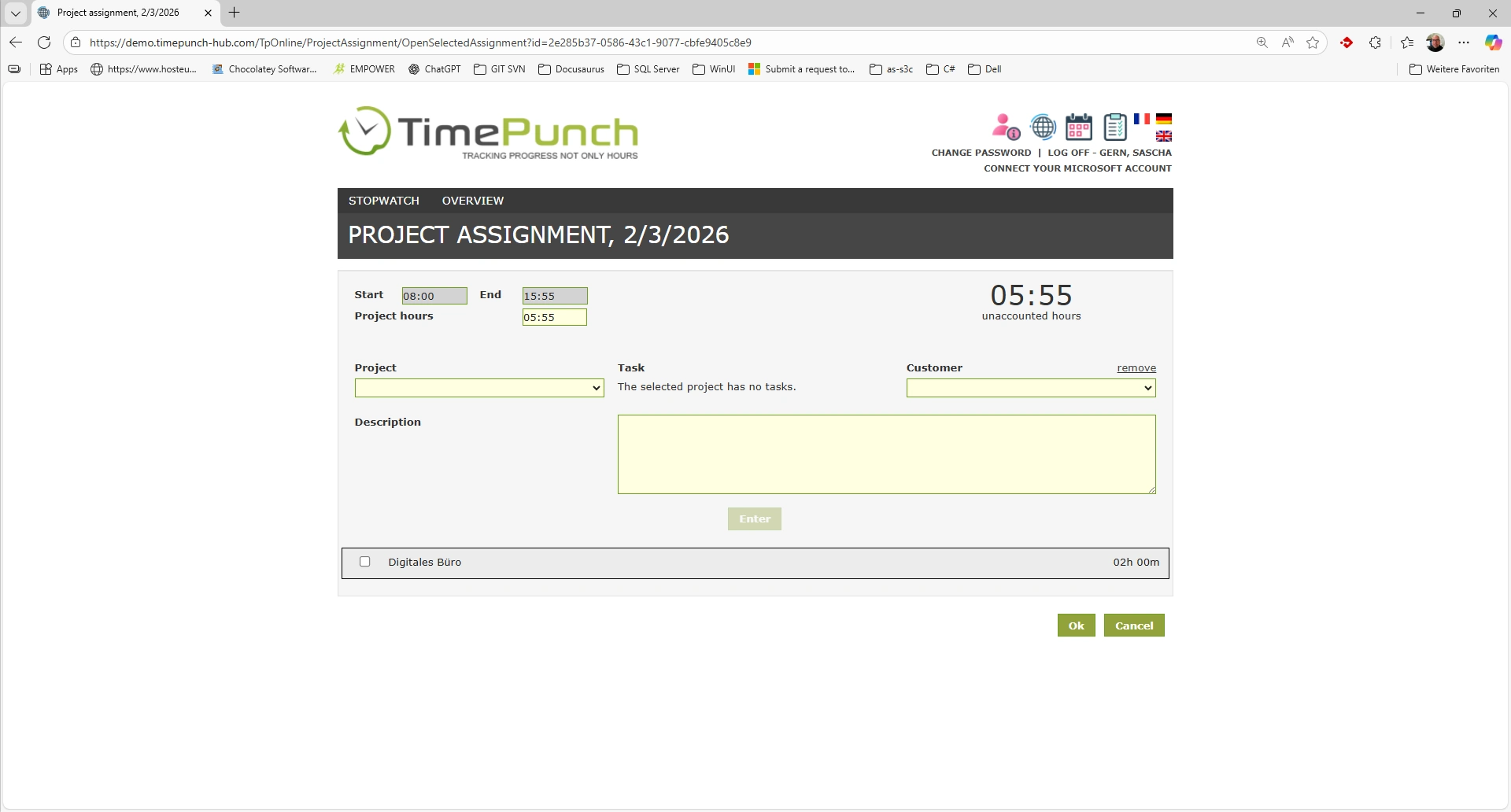
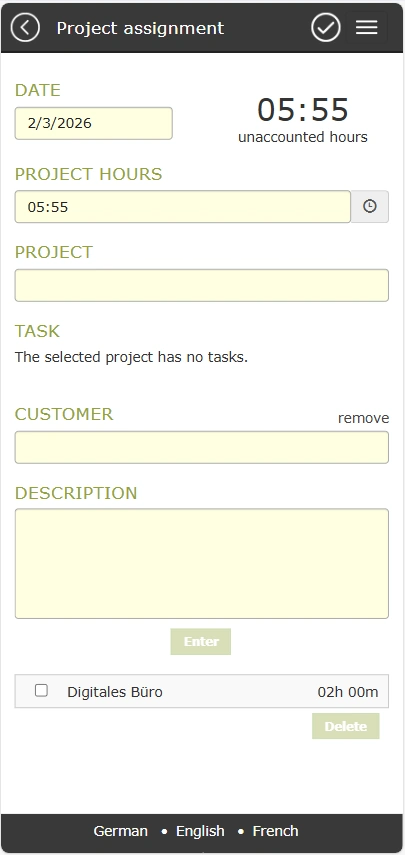
After stopping time recording on the project for retrospective assigment (e.g. project distribution), the project assigment dialogue opens automatically in the online module.
The dialogue displays the time entry that has just been completed and prompts the employee to allocate it. The following information can be entered:
- Project hours
- Project
- Activity
- Customer
- Optional description
Click ‘Enter’ to save the project assigment. This significantly reduces the amount of work required later for open project assigments.
- Desktop
- Mobile
Editing the project assigment
The list of project assigments can be edited by the employee until the project assigment is complete. An existing entry can be opened by clicking on the respective project assigment and can then be adjusted.
Completing the project assigment
When the project assigment is completed, the finished time entry is distributed to the selected projects.
Important: If the project assigment is completed without all of the time being distributed, the remaining time remains open and must be allocated later.
Retroactive project assigment
It is not always possible to allocate projects immediately after completing a time entry. This is the case, for example, if:
- the assigment was cancelled
- no project was selected
- the time was only partially distributed
For such cases, the online module offers the option of editing open project assigments retrospectively.
As soon as there are open project assigments, this is clearly visible to the employee via the ‘Edit open project assigments’ button.
- Desktop
- Mobile
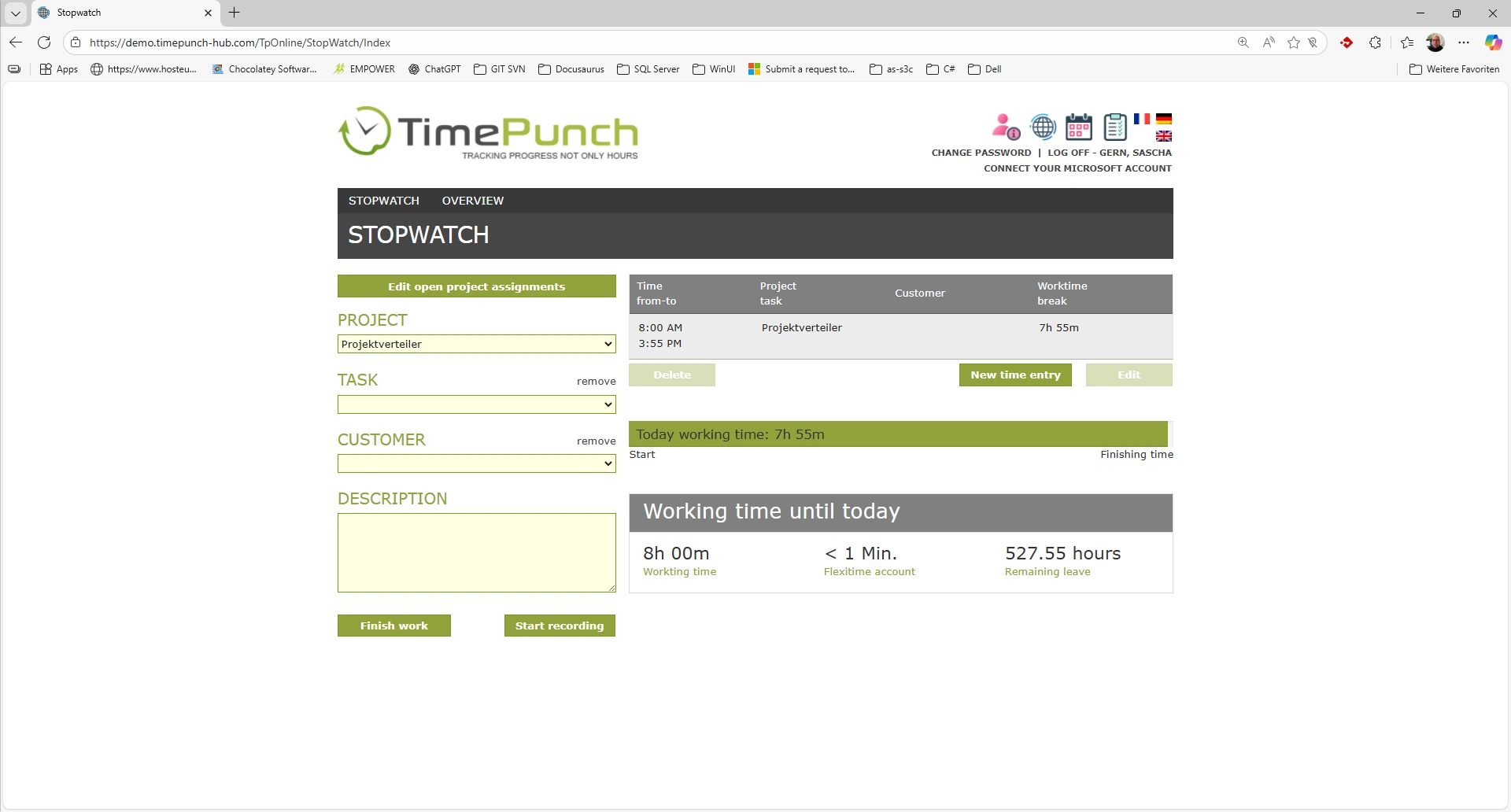
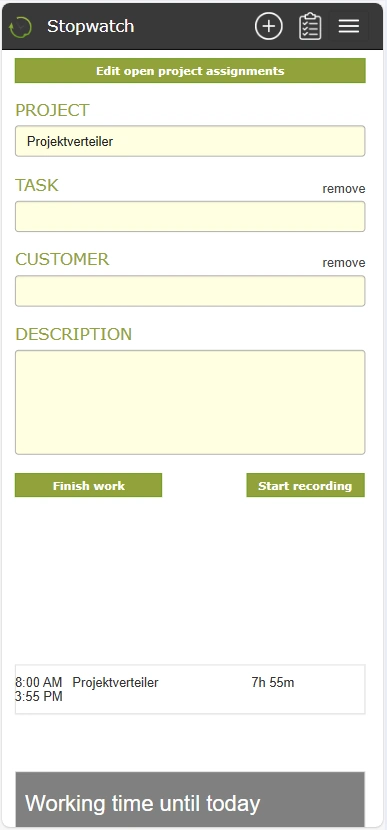
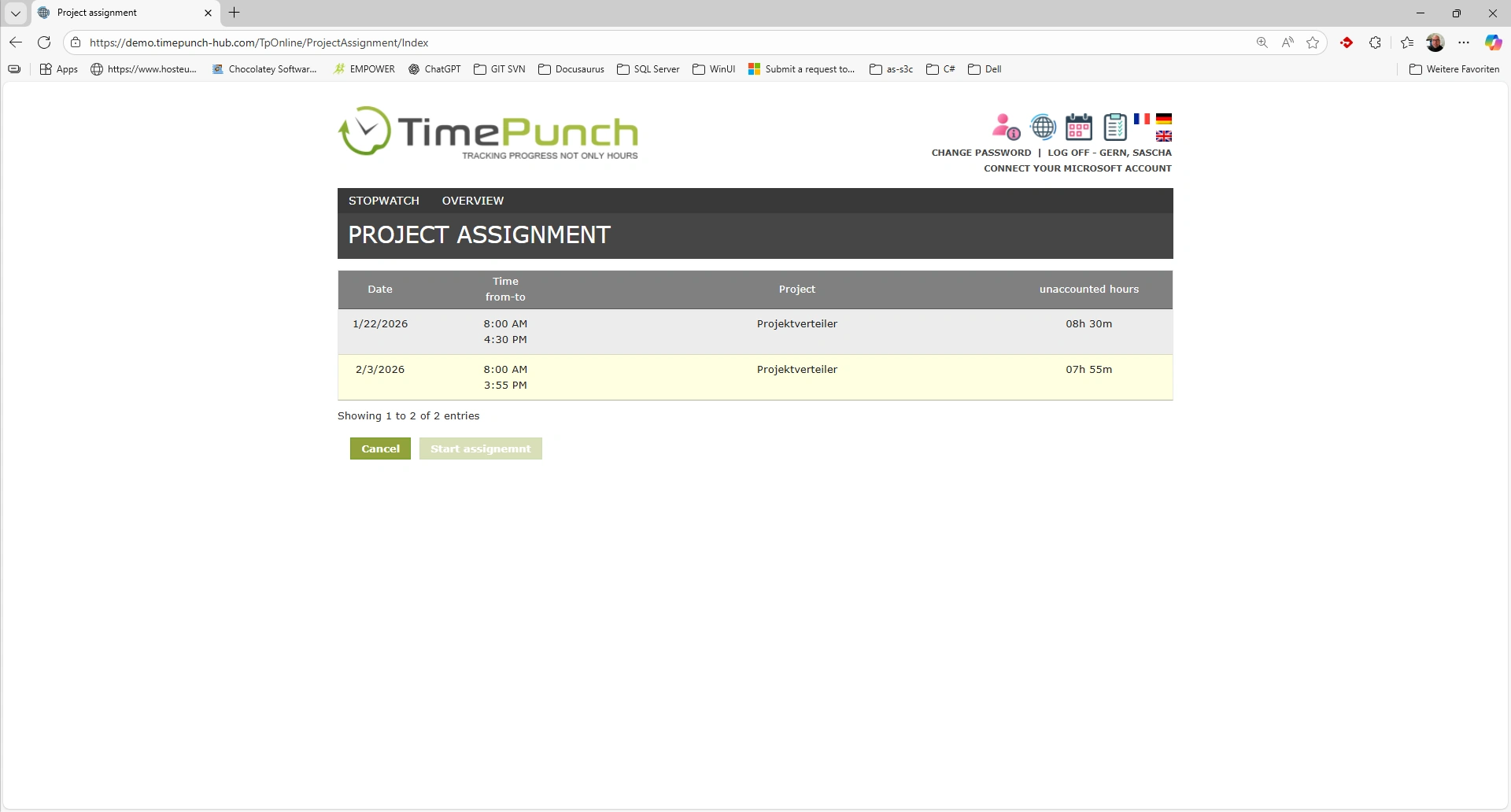
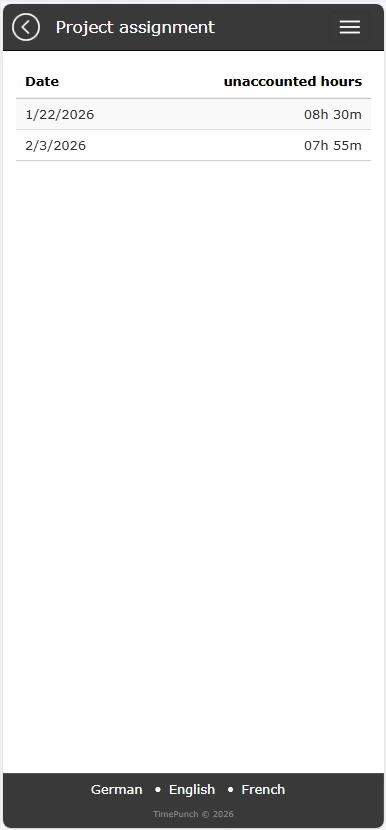
After clicking on this button, a list of all open project assignments is displayed.
- Desktop
- Mobile
Special case: Assignment without ending time recording
Employees are also allowed to make intra-day project assigments. This distributes the working time recorded so far to different projects without ending the current time recording.
The ‘Allocation’ button is available in the online module for this purpose.

Settings in TimePunch Management
The basic options for retrospective project accounting are configured in TimePunch Management. These can be found in the Retrospective project assignment tab on the Settings page.